About the game
Global Agenda (Hi-Rez Studios, 2010) was a sci-fi online shooter with jetpacks, co-op missions and raids, PvP matches, and agencies fighting over territory in Agency vs Agency conquest. The official servers shut down years ago.
GA:Reconnected brings it back on community-run servers here on schlumpy.net.
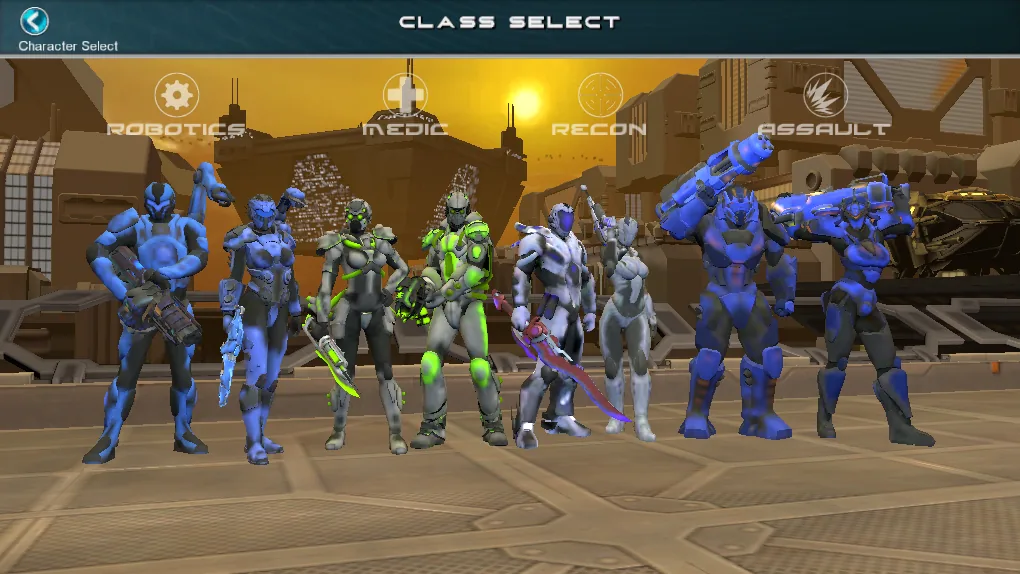
- Assault
- Heavy armor and big guns.
- Medic
- Keeps the squad alive.
- Recon
- Stealth, sniping, scouting.
- Robotics
- Turrets, shields, repair.
Screenshots
Captured on the GA:Reconnected server.
-
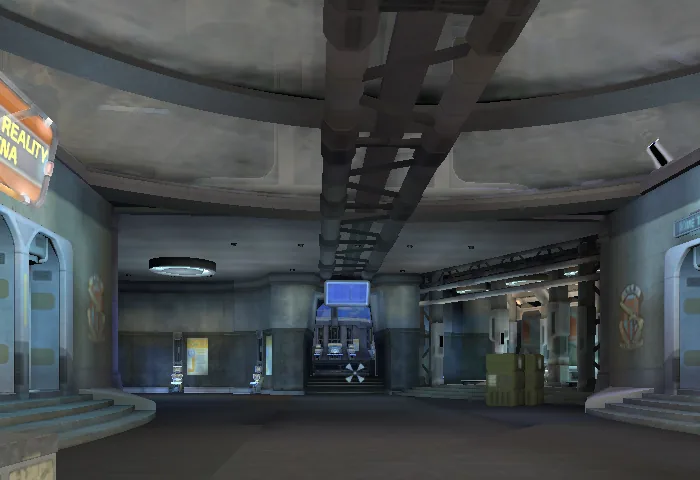
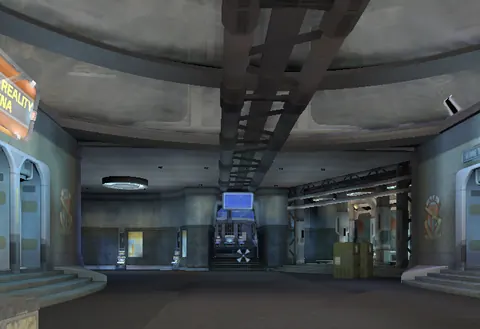 Dome City, the hub where agents meet, trade and gear up.
-
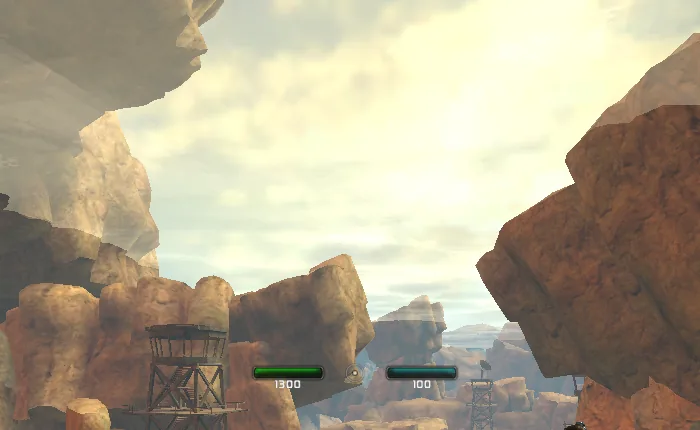
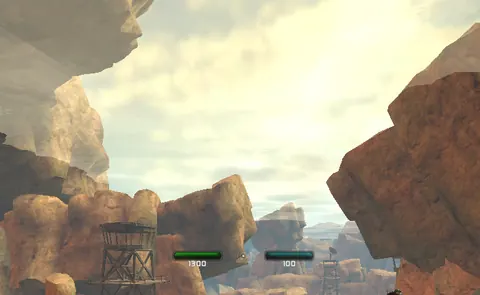 Out in the open world of North Sonora.
-
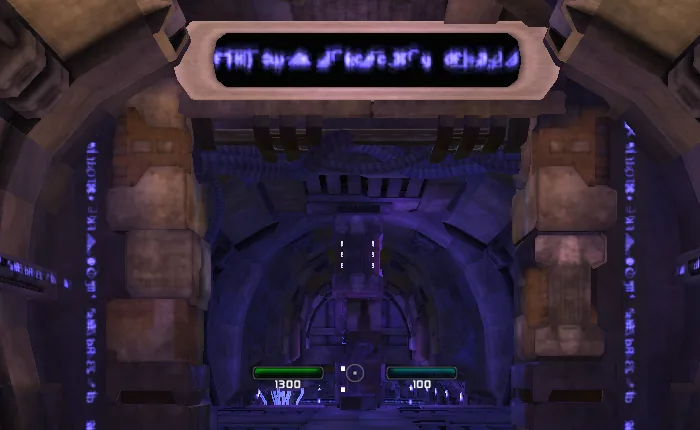
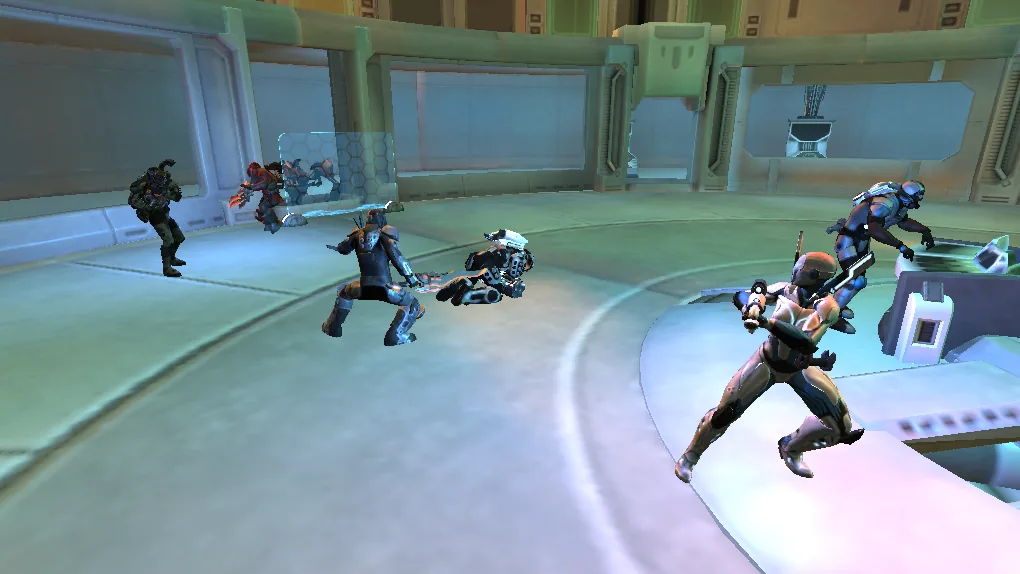
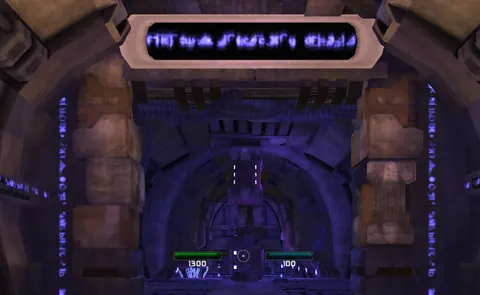 Heading into a PvE mission.
-
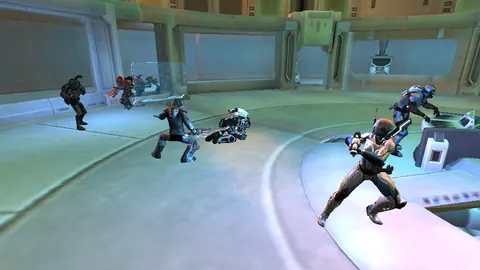 The intro mission: breaking out of Commonwealth Prime.
-
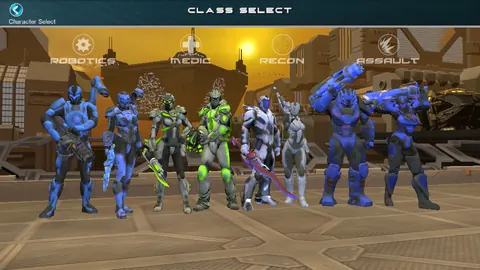 Pick your class: Robotics, Medic, Recon or Assault.
-
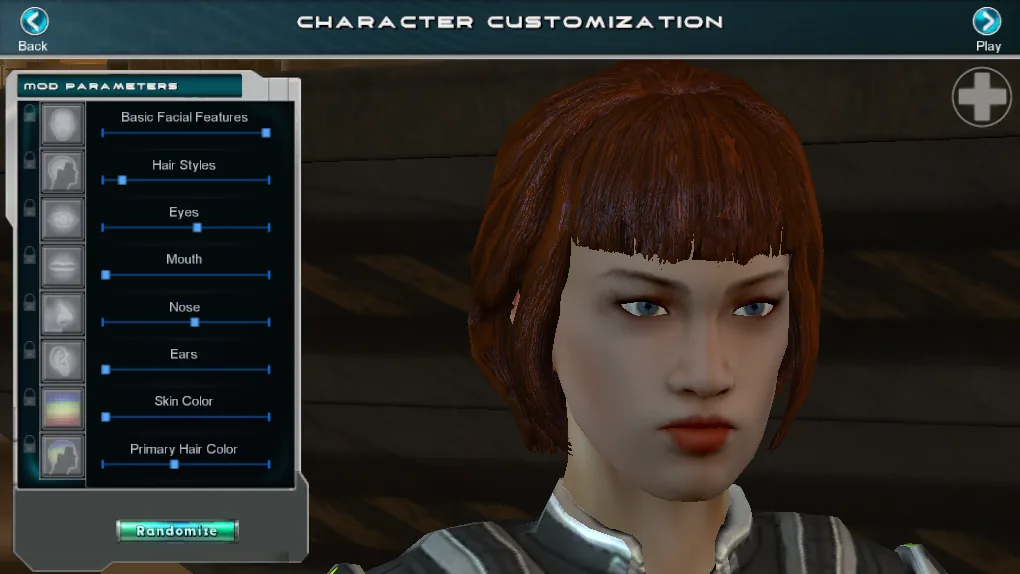
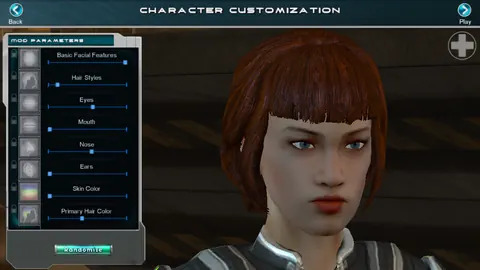 Make your agent your own in character creation.
-
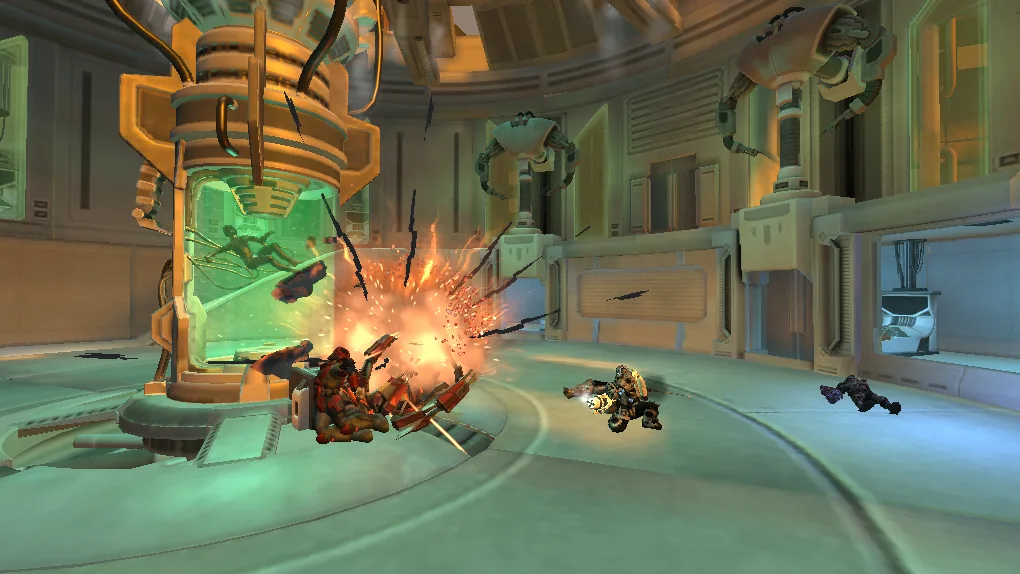
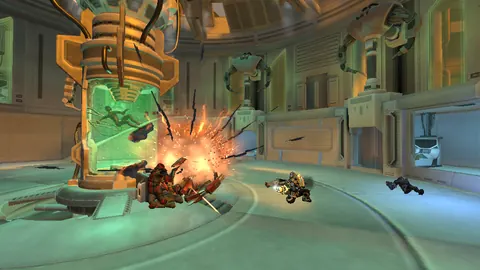 The escape starts with a bang.
-
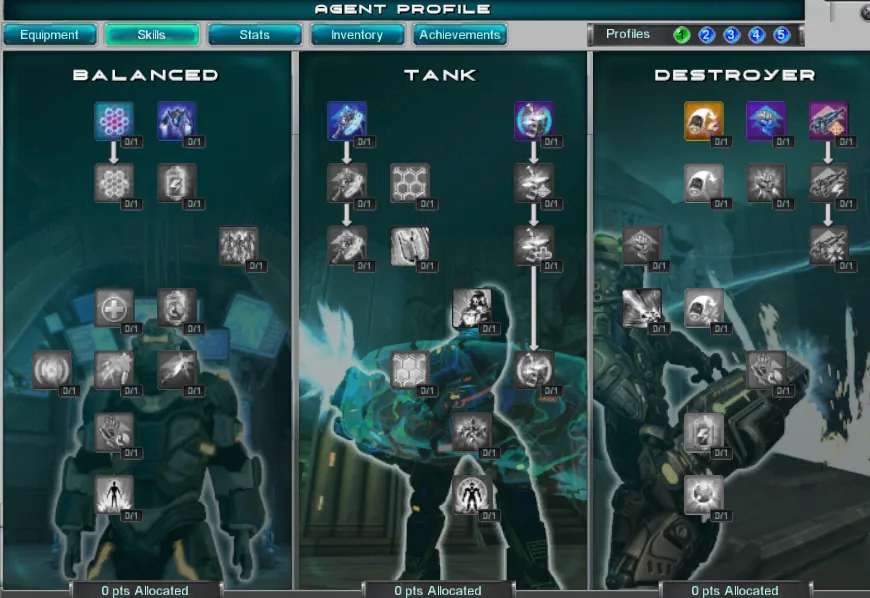
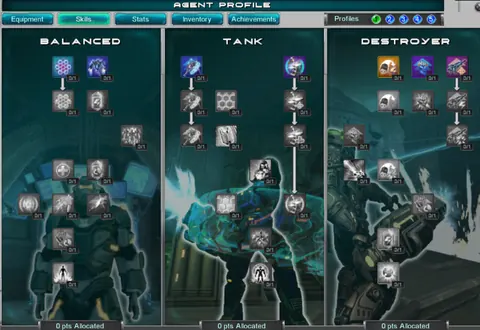 Skill trees: spend your points as you level up.
-
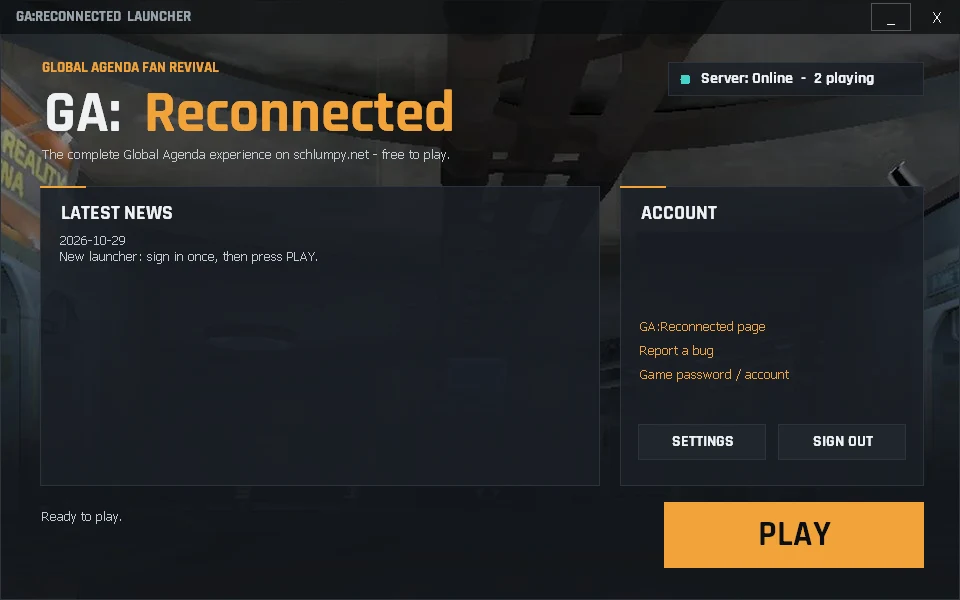
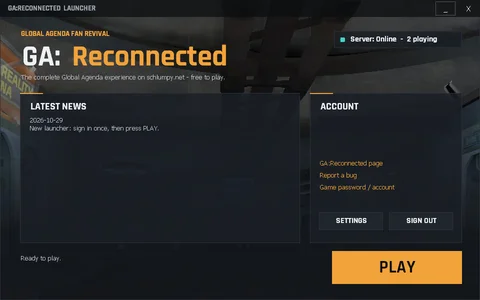 The GA:Reconnected launcher: sign in, check the news and press PLAY.
What you can play
Online Community server – expect the odd restart.
Play
- All four classes, character creation and the intro mission
- Dome City, Sonoran Desert and North Sonora - all 141 original quests
- PvE missions, raids and PvP matches
Progression
- XP, credits, tokens and Agenda Points like the original
- Crafting, vendors, auction house and mail
- Gear durability and repair, Cyber Cuts and Genolab like the original
Events
- World bosses that land in the open world every few hours
- Weekly events: PvE Friday, PvP Saturday, Mixed Sunday (1.5x rewards)
- Halloween raid until 1 November
Social
- Friends list (F3), whispers and all chat channels
- Teams, strike forces and raid groups
- Agencies with bank, ranks and alliances
- Agency vs Agency conquest
Launcher
- One-click launcher: sign in once, auto updates, server status
Full list
- Finish the intro mission and you arrive in Dome City at level 5, like the original
- Original mission level requirements and solo mission tiers
- Daily quests repeat each day; lootable chests and crates in the open world
- Original token limits: earn up to 50,000 a week
- Joining a PvP match in progress earns the full reward; PvE Challenge Bonus is paid
- Mercenary PvP: at most 3 agents of one class per team
- Solo missions run on your own PC; group missions, raids and PvP hosted by players
- If the host leaves, the match carries on with a new host right where it was
- A waiting line instead of “server full”
- Raid and arena bonus windows every 90 minutes: +50% tokens for 10 minutes
- World bosses: health grows with the group, shields at 75/50/25%, loot chest for everyone who helped
- Seasonal rewards for Thanksgiving, Christmas and Valentine’s
- The battle at the North Sonora gate is always raging
- In-game commands: -help, -stuck, -who, -played, -loc; report bugs with -bug
How to play
You need a Windows PC with Steam installed and signed in. That's it.
Make an account
Create a free schlumpy.net account – your game login is set up automatically and uses the same name and password. Had a schlumpy.net account before the game servers? Set your game password once under Account → Game accounts.
Played Global Agenda on Steam? Link your Steam account and we mail your agent the blue and black Commonwealth armour (an appearance for any level).
Run the launcher
Download the GA:Reconnected launcher, unzip it and double-click
SchlumpyGA.exe. If you don't have Global Agenda yet, it installs it from Steam for you (free).Sign in and play
Sign in on the launcher with your schlumpy.net name and password (tick Remember me to stay signed in for 30 days), then press PLAY – the game logs you in by itself. Next time, just use the GA:Reconnected desktop shortcut.
First run: firewall and antivirus
Firewall: Windows may ask once about the mission helper. Yes is best, No is harmless.
Antivirus: if it flags pythonw.exe, GlobalAgenda.exe or dinput8.dll in the launcher folder, allow them.
The first run also installs the game's extras (PhysX, DirectX, Visual C++) – click Yes when Windows asks. Never press Play in Steam; always use the launcher.
Your PC and your missions
Your missions run on your own PC to keep the servers free; nothing else is shared. On weaker PCs or blocked networks they simply run on our server instead.
Troubleshooting
- Can't connect? The test server restarts sometimes – wait a minute and retry.
- Locked out? After 5 wrong passwords, wait 10 minutes.
- Undo our changes: Steam → Properties → “Verify integrity of game files”.
- Logs:
%LOCALAPPDATA%\SchlumpyGA\node
Roadmap
Where the project is today and what comes next.
-
Done today
Launch day
- Founders gift: white and gold Commonwealth suit for the first 50 agents
- Steam veterans: Link with Steam for a blue and black Commonwealth suit
- World bosses are real raid bosses: shields, minion waves, boss bar
- Cleaner mission results screen
- Tutorial fixes and nav arrows that point the right way again
- Agency vs Agency map hexes show up again
- Security pass: signed launcher updates and safer accounts
- Social is up: friends list (F3) with online alerts, whispers, /afk, all chat channels, strike forces (no agency size needed), raid groups, agency bank (credits and items), agency ranks, message of the day, mail you can return to the sender, zone chat (/1) and X to inspect another player
- 1:1 check against the original game done: 501 systems compared, gaps fixed: gear durability and repair, Cyber Cuts and Genolab, Acquisition mode, PvP game type choice, Agency vs Agency bidding, shields, missiles, Lab and Factory, original respawn and crafting rules
-
In progress
Working on now
- World boss fixes: walking, attacking, a bigger shield, standing on the ground
- Smoother updates: a 30-second warning with a back-online time
- Player-hosted missions: extra reliability checks
- PvP bots: they now fill short teams in PvP matches (step aside when real players join); smarter team play next
-
Coming soon
Coming soon
- In-game voice chat
- Android handhelds (AYN Thor)
Download
GA:Reconnected launcher
For Windows. Launcher and mission helper in one zip – no game files inside. It installs Global Agenda through Steam if you don't have it yet.
SHA-256 of the zip: 08a886af9da2cc2829569bff005af1e48e6b4aeff4e075aa8eec0c3e08ed8999
Check it after downloading (PowerShell: Get-FileHash .\SchlumpyGA-Launcher-Public.zip). Only download the launcher from this page; after that it updates itself with signed updates.
Free for every account. Create an account
Server source code: download · based on the open-source Commonwealth GA server (including community fixes from its contributors), published under the AGPL-3.0 (no game files).
FAQ
Is it free?
Yes, the whole game is free to play.
Do I need the game?
No separate download – the launcher installs it through Steam (free). You just need Steam installed and signed in. We never distribute game files.
Is my PC safe?
The helper only runs your own missions, only connects out to our server, and a firewall rule keeps it closed to your network. The server is open source. Original files are backed up and can be restored any time (-RestoreOriginals or Steam “Verify”), and uninstalling is just deleting %LOCALAPPDATA%\SchlumpyGA and the shortcut.
Who runs this?
The schlumpy.net community – a small group of fans. Questions or bugs? Ask in the forum.